
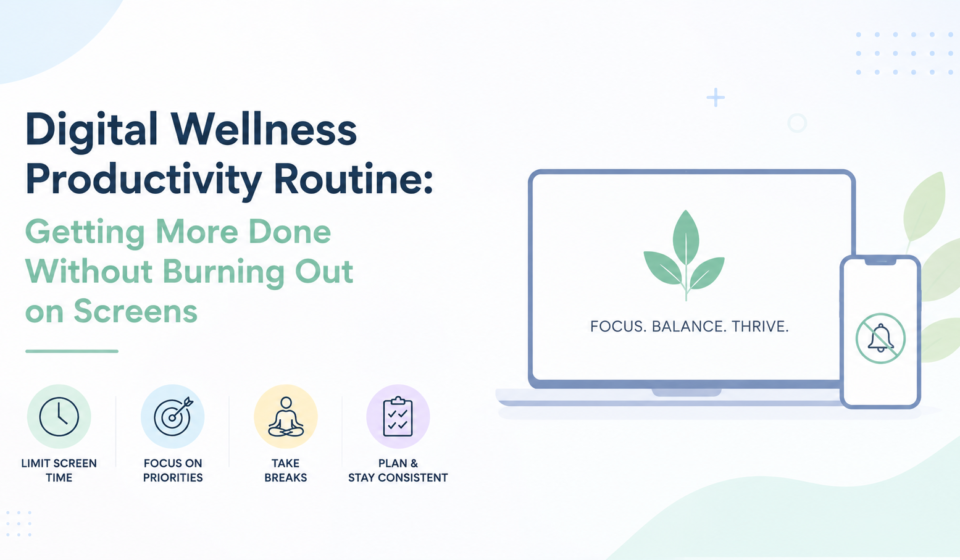
Checked my phone screen time report once and genuinely laughed out loud, alone, in my kitchen. Nine hours. Not even counting the laptop. Nine hours in a single day, and I couldn’t actually account for most of it; no memory of deciding to spend that time, just a vague sense of having been “busy” the whole day while somehow finishing almost nothing on my actual to-do list. That gap, between feeling constantly busy and actually being productive, is exactly what a digital wellness productivity routine is supposed to close. Not by banning screens- that’s not realistic for most jobs anymore- but by being a lot more deliberate about how and when they get used.
Why This Became Such a Widespread Problem
Work and personal life both moved almost entirely onto screens over the last decade or so, and the boundary between the two basically dissolved somewhere along the way. Notifications from work, personal messages, social media, and news all compete for the same limited attention on the same physical device, often the same app even, all day long without any real separation between them.
This constant low-level fragmenting of attention has a real cost that doesn’t always feel dramatic in the moment, which is honestly part of why it’s so easy to ignore. Nobody feels destroyed after checking Slack for the fortieth time in an afternoon. But the cumulative effect over a full day, stacked day after day for months, adds up to something that genuinely resembles burnout, even without any single moment feeling like a crisis.
Morning: Setting the Tone Before the Noise Starts
What happens in the first thirty minutes after waking up shapes a surprising amount of the day that follows, and for a lot of people that window gets swallowed immediately by a phone screen the second they’re conscious enough to reach for it.
Delaying the first phone check, even by twenty or thirty minutes, gives the brain a bit of space before the day’s demands start flooding in through notifications and headlines and other people’s messages. Doesn’t need to be some dramatic hour-long ritual. Just enough space to actually decide what matters today, rather than letting the first notification of the morning set the entire tone and agenda for you.
A quick, low-tech planning moment, even just three lines on paper about the actual priorities for the day, tends to work better done before opening email, not after.
Notification Triage, the Single Biggest Lever
Notifications are probably the single biggest daily source of fragmented attention, and most people have never actually gone through and deliberately decided which ones genuinely deserve real-time interruption versus which ones can wait for a scheduled check later.
Going through phone and computer settings once, deliberately, and turning off anything that doesn’t require truly immediate response, changes the day more than almost any other single change on this whole list. Most apps default to aggressive notification settings because it benefits them, not you, and very few people ever go back and actually audit that default setup after the initial installation.
For work specifically, batching communication checks, email and chat both, into two or three defined windows during the day, rather than reacting to every single ping the instant it arrives, protects focus time considerably.
Building Real Focus Blocks Into the Day
Deep, uninterrupted focus time has become genuinely rare for a lot of knowledge workers, and it’s rarely because the time literally doesn’t exist somewhere in the calendar. Turning off notifications specifically during these blocks, not just generally throughout the day, matters a lot; half-measures here tend to leak right back into full distraction within about a week of trying.
Task-switching has a real cost that’s easy to underestimate, since it doesn’t feel dramatic moment to moment. Every switch between deep work and a quick notification check costs real time and mental energy to actually refocus afterward, well beyond the few seconds the interruption itself seemed to take.
Midday: Actually Stepping Away From Screens
A midday break spent scrolling a different screen instead of the work one isn’t really a break at all, even though it feels vaguely like one because you’re not looking at spreadsheets anymore.
Genuine screen-free breaks, a short walk, actual food eaten without a phone propped against something on the table, even just a few minutes sitting somewhere without any screen in view at all, provide a different kind of rest that scrolling simply can’t replicate no matter how relaxing it might feel in the moment
Afternoon Energy, and Working With It Instead of Against It
Energy naturally dips for a lot of people in the mid-afternoon, and reaching for a phone during that dip often makes the actual underlying fatigue worse rather than better, even though it feels briefly stimulating in the moment.
Matching task type to actual energy level, saving lower-focus tasks like routine email or simple administrative work for natural energy dips, reserving higher-focus work for whenever energy is genuinely at its peak during the day, works with the body’s actual rhythm instead of fighting against it constantly with willpower alone. A quick physical movement break during an afternoon dip tends to help more than another cup of coffee and definitely more than a phone scroll that mostly just adds more input to an already tired brain.
Evening: Actually Winding Down From Screens
The transition out of work mode matters as much as the transition into it, and it’s the part most digital wellness advice skips over entirely in favor of talking exclusively about mornings.
A defined end point to the workday, closing specific apps, physically putting the work laptop somewhere else if that’s realistic for the setup, some kind of small ritual signaling “work is actually done now”, helps create real separation that a lot of remote and hybrid workers specifically lose without a physical commute acting as that natural boundary anymore.
Weekly Patterns Worth Building In
Beyond the daily routine, a weekly check-in on actual screen time data, not to obsess over the number itself, but to notice genuine patterns, helps catch drift before it becomes an entrenched, invisible habit that’s hard to unwind three months later. A particular app quietly creeping back up in usage, a specific day of the week that consistently runs heavier on screens than the rest, these patterns are much easier to catch and correct weekly than to notice after they’ve already been the norm for months without anyone paying attention.
Where This Tends to Fall Apart
The most common failure mode is treating this like an all-or-nothing detox rather than a sustainable routine meant to actually stick around. Extreme restriction usually backfires within a week or two for most people, followed by a rebound where all the old habits come right back, often worse than before, out of sheer exhaustion from trying to maintain something too rigid.
Final Thoughts
A digital wellness productivity routine isn’t about using technology less for its own sake, as some kind of virtue. It’s about using it more deliberately, so the hours spent on a screen actually translate into real output and genuine rest, rather than a vague, exhausting blur that somehow eats an entire nine-hour day without anything meaningful to show for it afterward. Small, consistent adjustments to notifications, focus blocks, and the actual transitions in and out of screen time tend to matter far more, over time, than any single dramatic change ever could.

[…] I genuinely scheduled a nap into my calendar at 2:45 pm every single day, blocked it off as “focus time” so nobody would book over it, and then just sat there with my head on the desk for twenty […]