
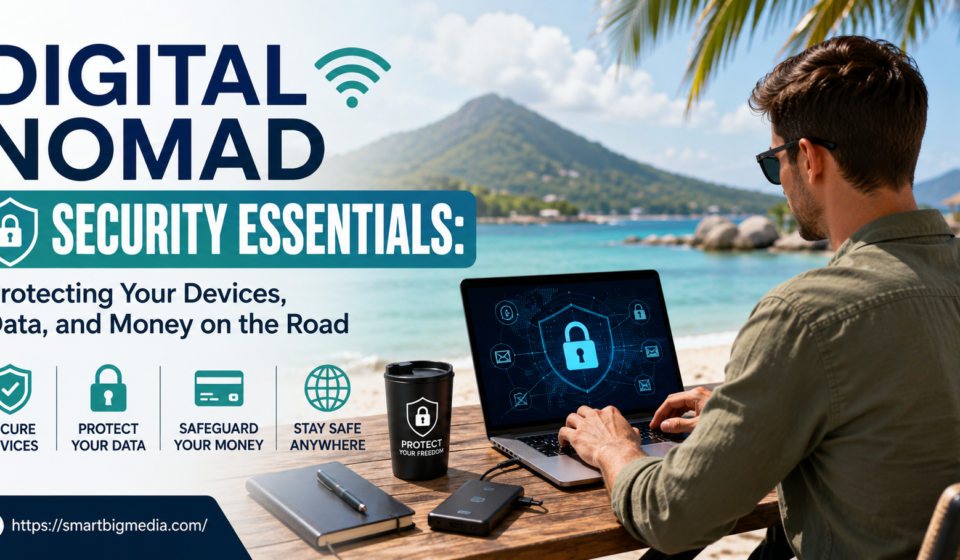
My friend had her laptop bag snatched off a chair in a cafe in Lisbon once. Four seconds, maybe less. She looked away for a napkin. Turned back. Gone. No lock on the bag, no backup she could reach, and her whole freelance life — client files, invoices, half a manuscript she’d been chipping away at for a year — sat on that one machine and nowhere else. She got lucky, actually; some random tourist chased the guy two blocks and got it back, which rarely happens, let’s be honest. Most people don’t get that. And that’s really the whole point of digital nomad security when you strip away the tech jargon people love throwing around. It’s not hackers in hoodies typing green code on a black screen like the movies want you to think. It’s boring stuff. An unlocked bag. Reused passwords. No backup because you kept meaning to set one up and never did.
So here’s a rundown. Device stuff, data stuff, money stuff, and the physical side too, because everyone talks VPNs and nobody talks about the bag literally sitting six feet away from you unattended.
Why Nomads Get Targeted More Than People Think
Someone working from a fixed office has layers of protection they never even notice. Locked building. IT department handling things quietly in the background. Home wifi they actually control. A routine. Predictable, boring, safe. Strip all that away and suddenly you’re logging into your bank from an open cafe network in a country where you can’t read a single street sign, and your entire professional life is in a bag that leaves your sight the second you need a bathroom break.
Doesn’t mean travel is dangerous, to be clear. Mostly it isn’t. But the habits that worked fine at home just stop being enough somewhere new, and most people don’t figure that out until something’s already gone sideways. Petty theft aimed specifically at laptops and phones has gotten common enough in certain nomad hubs — some neighborhoods in Bali, parts of Mexico City, the touristy stretches of Southeast Asia — that it’s worth actually planning for. Not paranoid. Just realistic.
Device Security, the Obvious Stuff First
Full disk encryption. On, always, no exceptions, on every device carrying anything work-related. Both major operating systems have this built in now, free, and it means even if someone walks off with your laptop, they can’t just boot it and start reading your files like a diary. Takes maybe three minutes to turn on. Most people never bother. I didn’t either for years, if I’m honest.
A cable lock sounds a little ridiculous, like something from an old spy movie, but it works — physically tethers your laptop to a table leg, stops the grab-and-run that happens in literally two seconds while you’re glancing at your phone. Cheap. Small. Easy to forget packing. Worth remembering anyway.
Screen privacy filters matter more than people assume, especially if you’re handling client financials on a train or in an airport or some open-plan coworking space where a stranger two seats over has a perfect view of your screen for the entire two hours you’re working.
And backups. Real ones. Tested ones. Not just assuming a cloud sync is quietly doing its job in the background because you set it up once eight months ago and never checked again. A dropped-in-a-pool laptop or a stolen bag shouldn’t mean months of work just gone. Cloud backup plus an occasional physical backup on a separate drive — kept in a different bag from the laptop, always — covers most of what actually happens to people.
Wifi. Where Most Advice Gets a Little Dramatic
Public wifi warnings get thrown around like every cafe network is basically a trap. Reality’s less dramatic but still real enough to take seriously. Open networks in cafes, hotels, airports — under the wrong circumstances, someone on that same network can intercept unencrypted traffic. Most sites encrypt by default now, which helps a lot compared to a decade ago. Hasn’t disappeared as a risk, though.
VPN’s the standard fix. Use it consistently, not just when something feels sensitive, because the habit matters more than the specific app you pick. Turn it on the second you connect to any network you don’t personally control. Not just for banking. All the time.
Honestly, your own phone’s hotspot is the safer default whenever it’s practical, especially for anything money-related. Costs a little more data. Worth it.
Passwords, Which Are Still Somehow the Problem
Reused passwords remain the single biggest practical weakness people carry around with them, nomad or not, and it’s not even close. A password manager fixes this cleanly. Unique password for every account, none of it memorized, synced securely across devices once it’s set up and you never think about it again.
Two-factor authentication needs a travel-specific plan though, and this one trips people up constantly, myself included the first time I switched to a local SIM abroad. SMS-based two-factor can just stop working entirely on a foreign SIM. An authenticator app tied to the device — not the phone number — avoids getting locked out of your own account at the exact moment you actually need to get in, which is always the worst possible timing somehow.
Worth thinking through ahead of time: what happens if the phone’s just gone? Backup codes stored somewhere separate. Knowing which accounts need immediate attention if a device disappears. Saves a lot of panic later; trust me on this one.
Money, While You’re Out There
Deserves its own thought, separate from the general device stuff, because money’s often the actual target once someone wants more than just a laptop to resell on a street corner.
Notifying your bank before travel used to be essential advice. A lot of banks handle location changes automatically now, but still worth confirming rather than getting a card frozen mid-transaction somewhere you can’t easily call and sort it out over a bad connection. A second card, kept separate from your main wallet, means one lost or frozen card doesn’t leave you completely stranded.
For anyone earning through freelance work, keeping business and personal accounts genuinely separate does two things at once — cleaner books, obviously, but also limits the damage if one account gets compromised somehow. One point of failure touching your whole financial life is bad anywhere. Worse when you’re far from home and support’s limited to an email that takes three days to get answered.
The Physical Side Nobody Talks About Enough
Most nomad security conversations lean hard into cybersecurity — VPNs, encryption, all that. Physical security barely gets a mention, which is strange given how much theft is just opportunistic and low-tech and honestly kind of dumb when you think about it.
Bag choice matters more than it sounds. Back-panel access backpacks, where the main compartment opens against your back instead of facing outward, make it a lot harder for someone to get into your bag while it’s on your shoulders in a crowded market or metro car.
Staying aware of where your bag actually is relative to your body when you’re working somewhere public — not tucked under a table out of sight, not draped over a chair back where anyone walking past has a clear shot at it. Sounds a bit much written out like that. It isn’t really. It’s the same habit people already have with a purse or wallet back home. Just apply it consistently somewhere less familiar.
Hotel safes matter too, for passports and backup devices and anything you’re not carrying that specific day. Not every laptop needs to leave the room every single day. Fewer trips out in public with expensive gear, fewer chances for anything to happen to it.
Handling Client Data That Isn’t Really Yours
Freelancers and remote employees often carry client data that technically belongs to someone else entirely — contracts, financial records, proprietary stuff belonging to whoever’s paying them. Raises the stakes past just personal inconvenience if something goes wrong here.
Encrypting sensitive files individually, layered on top of full-disk encryption, adds protection specifically for anything with client info in it. Keeping less sensitive data actually stored locally at all — leaning more on cloud tools with real access controls instead of downloading everything to the device — cuts what’s at risk if a laptop gets lost or stolen tomorrow.
Anyone under a contract with confidentiality clauses should actually read what those clauses require around data handling while traveling. Some client agreements have specific requirements a laptop lock and a VPN alone don’t fully cover, and finding that out after something’s happened is the wrong order to learn it in.
It Changes Depending on Where You Are
Security needs shift by location, and treating every country the same misses real differences that genuinely matter. Some places have noticeably higher rates of opportunistic theft aimed at tourists and remote workers specifically. Others run more aggressive digital surveillance environments where VPN use itself might be restricted or watched, which changes what tools even make sense to use there in the first place.
A little pre-trip research into the actual security landscape of a destination — not generic crime stats, but what’s actually happening in the neighborhoods or coworking spaces you’re likely to end up in — beats a one-size-fits-all approach every single time. Nomad forums and local expat groups usually beat generic travel sites here, since the people posting are living the exact same daily reality you’re about to walk into.
Making It a Routine, Not a Checklist
None of this works as a one-time thing you do the night before a trip and then forget about entirely. The habits that actually survive long-term travel are the ones baked into daily routine, not treated as some separate extra task requiring effort every single day.
Checking your VPN’s actually connected before opening anything sensitive. Keeping devices physically secured out of pure habit, not active thought anymore. Backing up work on some kind of predictable schedule instead of randomly whenever you happen to remember. These become second nature fast if you stick with it early on, and honestly they stop feeling like a burden after the first couple weeks on the road.
Final Thoughts
Digital nomad security isn’t really about paranoia, assuming the worst around every corner you turn. It’s about noticing that the protective layers you take for granted at home — locked office, familiar streets, a routine — just aren’t there while traveling, and building slightly more deliberate habits to cover that gap. The people who handle this well aren’t security experts, not usually. They’re the ones who spent an afternoon setting up encryption and backups, built a few consistent habits, and then just kept doing them, trip after trip, without overthinking every single day on the road.


[…] tried the sticker chart thing once, back in my twenties, taped to the fridge, one gold star for every day I actually drank water instead of just coffee. […]