
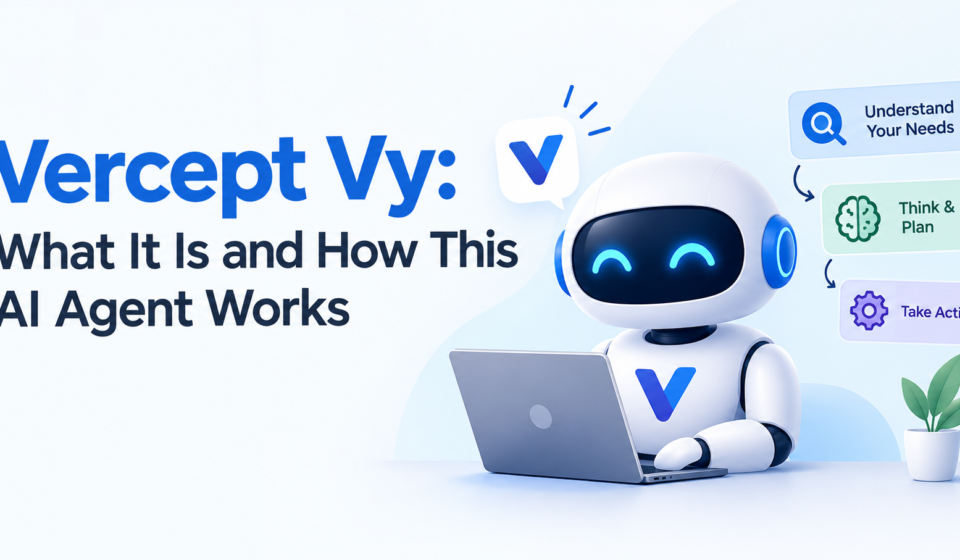
Vercept Vy is an AI agent designed to operate a computer the way a person would. Instead of relying on APIs or code-based integrations, it watches the screen, moves the mouse, types, and clicks to complete tasks on the user’s behalf. Vercept Vy has drawn attention as one of the more distinctive entries in the growing field of computer-use AI agents.
This article explains what Vercept Vy is, how it functions, its core features, and what makes it different from other automation tools.
What Is Vercept Vy?
Vercept Vy is a desktop AI agent built by Vercept, a company founded by former researchers from the Allen Institute for AI. The product is often referred to simply as “Vy,” while “Vercept” is the name of the company behind it.
Vy is built to carry out digital tasks by directly interacting with a computer’s interface. Rather than connecting to individual apps through their APIs, it observes the screen visually and performs actions like a human user would, including clicking buttons, filling in forms, and navigating between applications.
The Core Idea Behind Vercept Vy
The main goal behind Vercept Vy is to move past traditional input methods like the mouse and keyboard. In addition, the company wants to reduce dependence on menus and manual workflows by letting users describe a task in plain language.
Because Vy interprets what it sees on the screen, it can, in principle, work inside almost any application. This includes legacy software that has no API access, as well as modern web-based tools.
How Vercept Vy Workshttps://smartbigmedia.com/miercuri-meaning/
Vercept Vy relies on computer vision rather than reading a website’s or app’s underlying code. It analyzes the screen much like a human would look at it, identifying buttons, icons, and text based on their visual appearance.
Once a user gives Vy an instruction, it interprets the request and translates that intent into a sequence of on-screen actions. It then executes those actions directly, such as moving the cursor, typing text, or scrolling through a page.
Vision-Based Understanding
The vision-first approach is one of the defining traits of Vercept Vy. Instead of extracting raw text from a page’s underlying structure, it processes the visual content of the screen, similar to how a person would read and interpret an interface.
This method allows Vy to work across a wide range of software without needing custom integrations for each one. As a result, it can potentially adapt to unfamiliar applications more easily than tools that depend on structured data access.
On-Device Processing
Another aspect of how Vercept Vy operates involves processing tasks locally on the user’s device. This approach is meant to keep sensitive data from leaving the machine during task execution.
Local processing also allows Vy to begin working as soon as a user is logged into an application, without waiting for a lengthy setup process or IT-level system integration.
Key Features of Vercept Vy
Vercept Vy includes several capabilities that support its goal of automating everyday computer tasks.
Cross-Platform Availability
Vercept Vy runs on both Mac and Windows, which expanded its availability after initially launching as a Mac-focused application. This cross-platform support allows a broader range of users to access the same core functionality regardless of their operating system.
No API Requirements
Because Vy relies on visual understanding rather than code-level integration, it does not require API access to function inside a given app. This means it can potentially be used with older or specialized software that lacks modern integration options.
Task Automation Across Applications
Vercept Vy can be used for tasks such as organizing files, filling out repetitive forms, or moving data between applications. It is also positioned as useful for research-style tasks, like gathering information from websites and placing it into a spreadsheet.
Parallel and Background Tasks
Vy is designed to support running tasks in the background while a user continues other work. This parallelization is intended to let people multitask without needing to pause what they are doing to hand off a job to the agent.
Common Use Cases for Vercept Vy
Vercept Vy has been described as useful for a variety of everyday digital workflows.
- Automating repetitive administrative tasks, such as renaming files or organizing folders
- Filling out web forms using previously saved information
- Assisting with basic research tasks across multiple websites
- Supporting light design workflows, such as organizing layers or exporting assets in creative tools
These use cases reflect the broader aim of Vercept Vy: reducing the manual effort involved in repetitive digital work.
Important Considerations When Using Vercept Vy
As with any AI agent that directly controls a computer, there are some limitations worth understanding before relying on Vercept Vy for critical tasks.
Speed and Accuracy
Vision-based processing, while flexible, can be slower than API-driven automation in some cases. Users have also noted that the underlying model can occasionally make incorrect assumptions about what a task requires.
Monitoring Recommended
Because Vy performs actions directly on a live screen, it is generally recommended that users monitor its activity, particularly when the tool is still new to a specific workflow. This helps ensure that tasks are completed as intended.
Interface Restrictions During Tasks
While Vercept Vy is actively performing a task, user interaction with the system may be limited. This is a natural consequence of an agent that controls the mouse and keyboard directly, rather than working through a background process.
Vercept and Its Broader Direction
Vercept has described its mission as replacing traditional interface-driven computing with a more natural, language-based way of working. The company has positioned Vy as a step toward that goal, framing computer use as something that should adapt to human intent rather than requiring humans to learn complex software.
Vercept has also announced that it is joining Anthropic, folding its computer-use technology and team into a larger organization. This move reflects continued interest in the broader category of AI agents that interact with computers the way people do.
Frequently Asked Questions About Vercept Vy
What is Vercept Vy used for?
Vercept Vy is used to automate computer tasks by directly interacting with a device’s screen, including clicking, typing, and navigating applications based on natural-language instructions.
Does Vercept Vy require API integrations to work?
No. Vercept Vy uses computer vision to understand and interact with interfaces, so it does not need API access to function inside a given application.
Which operating systems does Vercept Vy support?
Vercept Vy supports both Mac and Windows, after initially launching as a Mac-only application.
Is Vercept Vy safe for handling sensitive information?
Vercept Vy processes tasks on-device, which is intended to keep data from leaving the user’s machine during operation. As with any automation tool, users should still review its actions on sensitive tasks.
Can Vercept Vy work with older software that has no modern integrations?
Yes. Because it relies on visual understanding rather than code-based access, Vercept Vy can potentially work with legacy applications that lack APIs.
What are the main limitations of Vercept Vy?
Reported limitations include slower processing speed compared to some automation tools, occasional inaccurate assumptions, and limited user interaction while a task is running.
Is Vercept Vy still being actively developed?
Yes. Vercept has described Vy as an evolving product, and the company has continued to expand its capabilities, including cross-platform support.
Conclusion
Vercept Vy represents a distinctive approach to AI-driven computer automation, relying on vision-based understanding rather than API integrations. It allows users to hand off repetitive tasks by describing them in natural language, with the agent handling the clicks, typing, and navigation involved.
While Vercept Vy has some limitations around speed and monitoring, its cross-platform availability and flexible approach to interacting with software make it a notable tool in the growing space of AI agents built for direct computer use.



[…] of brand partnerships, endorsements, and fan-engagement offers tied to his name. Platforms like On3’s NIL Deal Tracker and Opendorse list his various activations, though exact financial terms are rarely […]